
Spaces Core
Free
Everything you need to get organized.
- Create Spaces and Projects
- Unlimited non-recurring tasks and reminders
- View and manage your calendars
- Schedule tasks into your calendar
- See all your tasks in one place
Your to-do list tells you what needs doing. Spaces helps you find time to do it.
Bring your tasks, priorities and calendar together in one beautifully simple iPhone app.
Free to get started. Made for iPhone.
You have things you want to accomplish. But between meetings, commitments and everyday life, finding the time isn't always easy.
Tasks pile up. Priorities get lost. And the things that matter most keep getting pushed to tomorrow.
The problem isn't knowing what to do. It's making time to do it.
That's why we created Spaces.
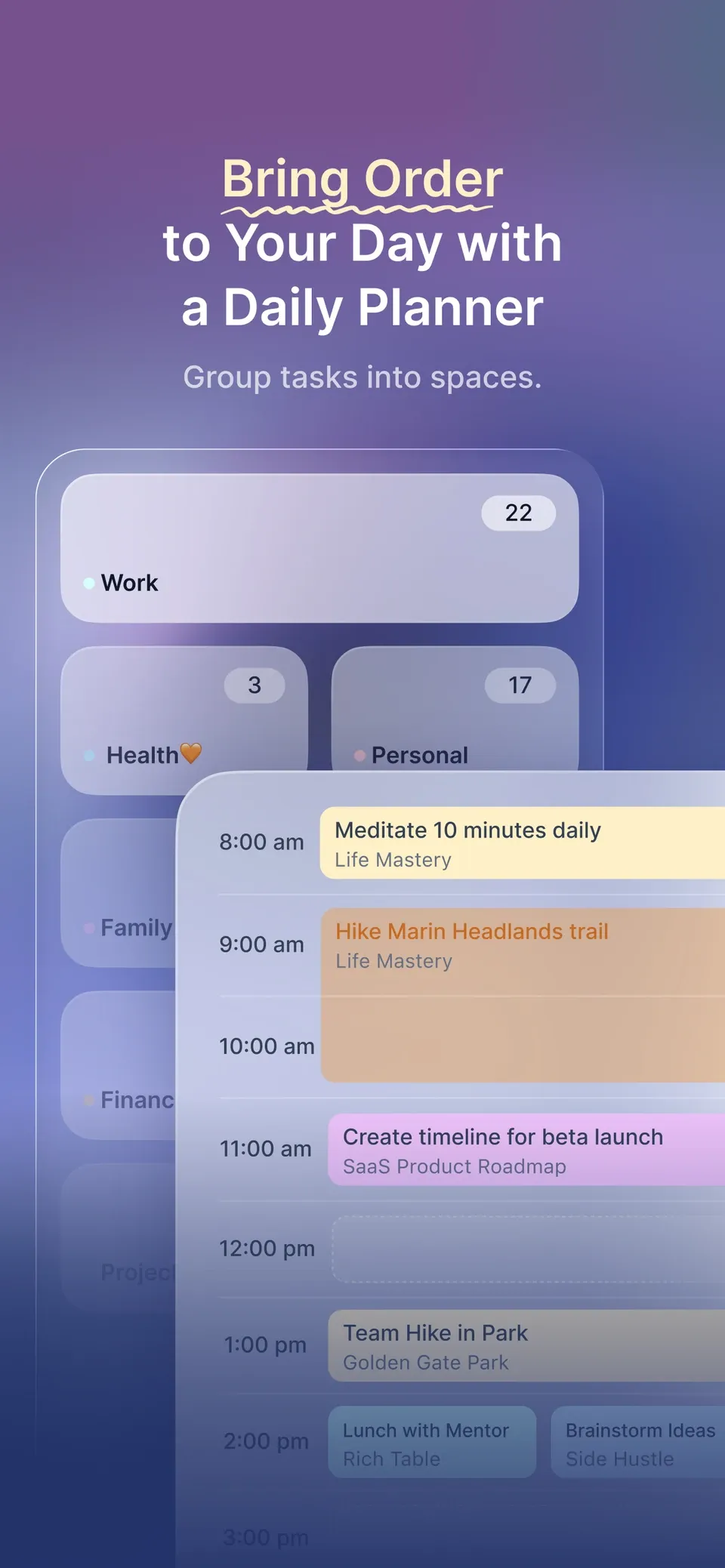
Everything in its own Space.
Bring your tasks and projects together. Create Spaces for work, home, health or anything else that matters to you.
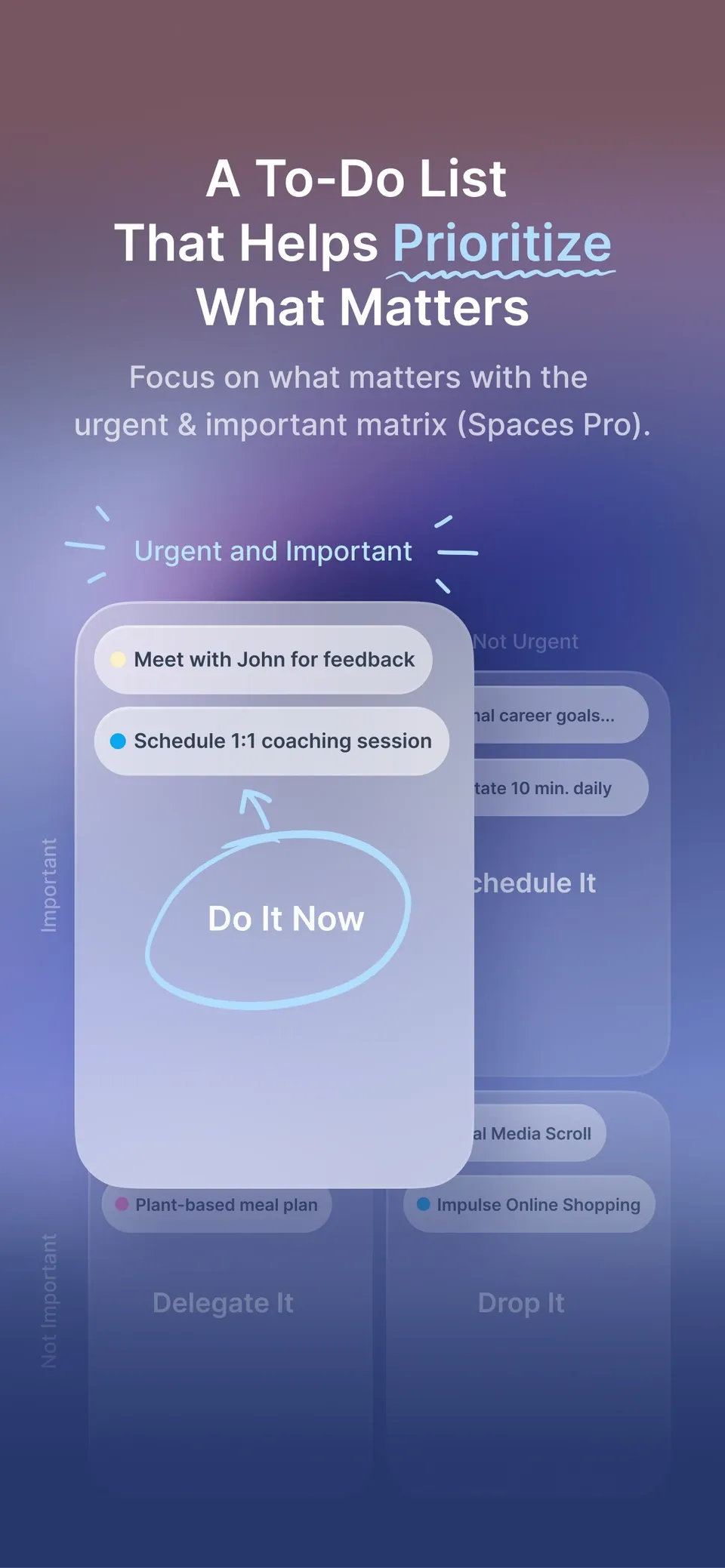
Focus on what really matters.
Use the Urgent & Important Matrix to separate what matters from what can wait. Spend less time reacting and more time focusing.
Available with Spaces Pro.
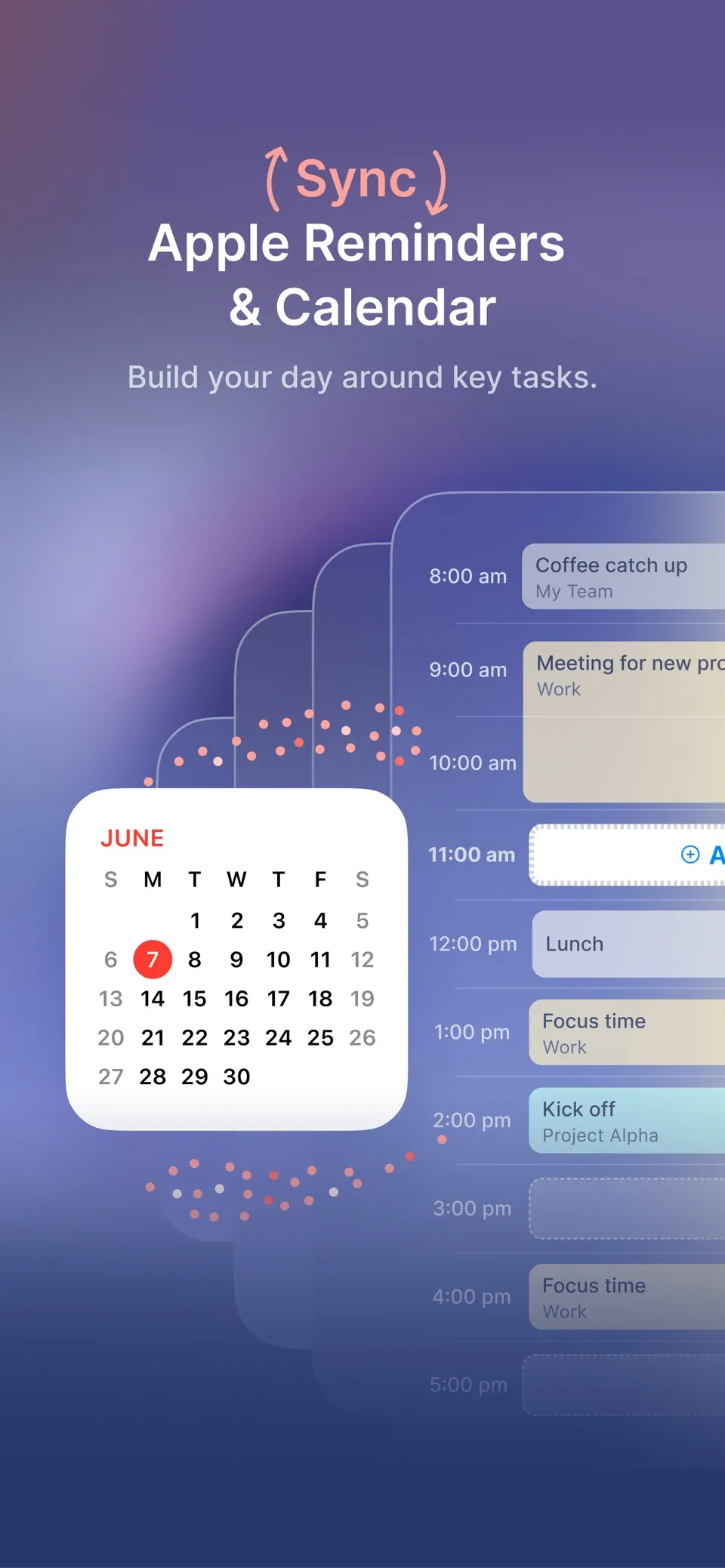
Make time to get it done.
See your tasks alongside your calendar. Find a free moment and turn your to-do list into a plan that fits your day.
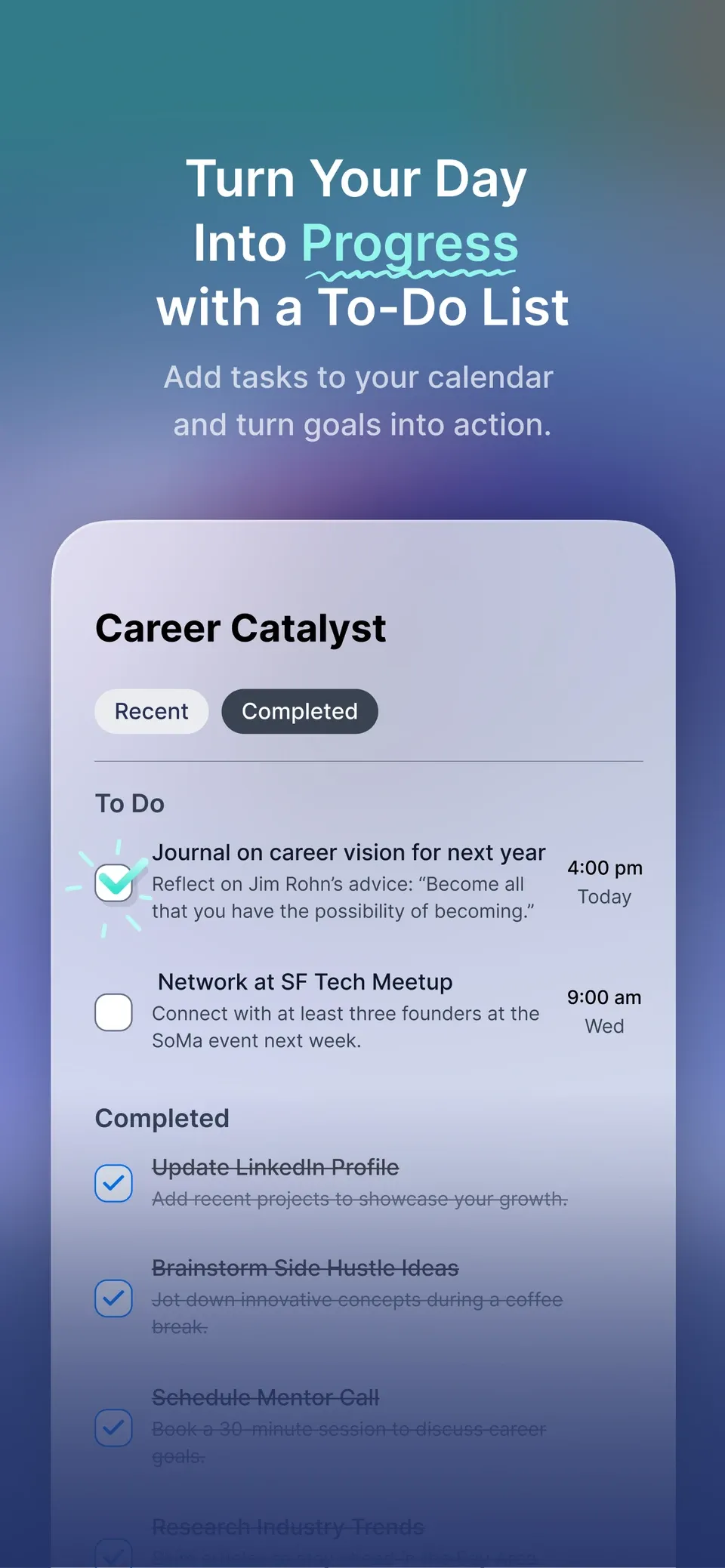
Not just on what demanded your attention, but on what matters to you.
With your tasks organized, your priorities clear and time set aside to get things done, you can stop worrying about everything on your list.
Less overwhelm. More of what matters.
Planning tasks around my calendar instead of a never-ending list is really helpful. I finally feel like I'm making space for what matters.
PlutoMN, App Store review
Love the calendar integration where I can plan my tasks around my calendar so I make sure the important things get done.
TheMatilda, App Store review
Love the urgent important matrix together with the calendar view!
AmySG7, App Store review
In 2013, we created Gneo, a productivity app recognized by Apple as one of its Best of 2013 apps.
Spaces builds on that experience with a fresh approach to making time for what matters.
Free
Everything you need to get organized.
$6.99/month or $59.99/year
Everything in Core, plus:
US prices. Subscriptions are managed through the App Store.
Yes. Spaces Core is free and includes unlimited non-recurring tasks, Spaces, Projects and calendar integration. Upgrade to Pro for more advanced planning features.
Yes. Spaces works with calendars available on your iPhone, including iCloud, Google, Outlook and Exchange.
Yes. Spaces Pro lets you sync tasks with your default Apple Reminders list.
It's a simple way to prioritize tasks based on urgency and importance, so you can focus on what matters most.
Your tasks. Your priorities. Your calendar.
All together in Spaces.
Free to get started. Made for iPhone.